
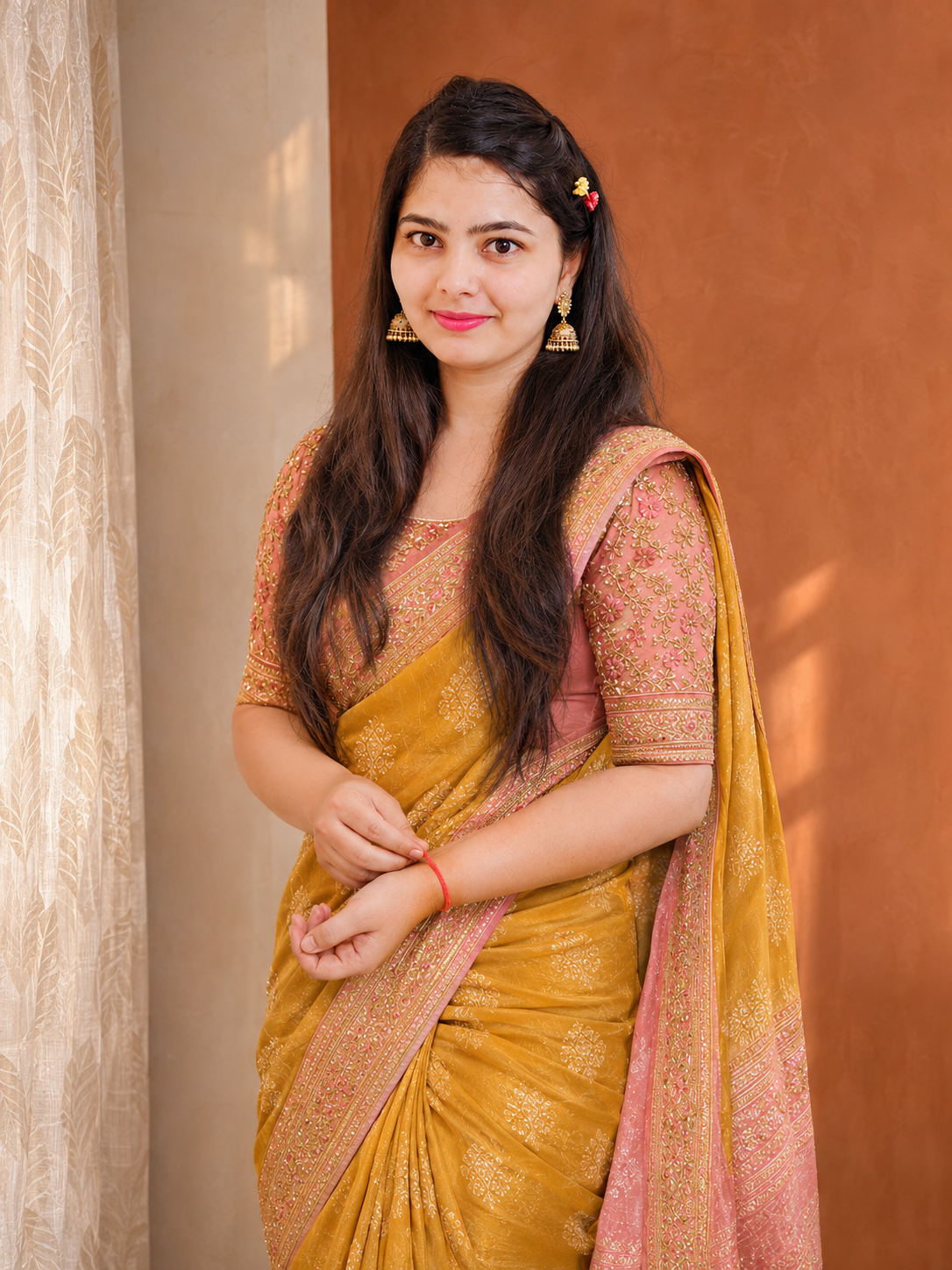
Choose your starting point: Wardrobe or Explore
Use Wardrobe when you want to combine pieces you own. Start with a saree for a family function, a work top or an outfit you want to wear again, then add complementary items. Use Explore when you want to select an existing inspiration look instead of starting from your own collection.
You make the selection in either path. An Explore outfit is inspiration, not evidence that its pieces are already in your wardrobe. A useful next decision is the occasion: office dressing, a wedding visit and an everyday outing can call for different finishing touches.
Choose a trending direction that feels like you
The app’s Trending Right Now collection offers curated looks to browse alongside occasion inspiration. A saree, lehenga, casual combination or co-ord direction may be the starting point for a look you want to explore.
Choose what appeals to your own vibe: the colour, the simplicity, the festive detail or the overall mood. Trending inspiration and your owned wardrobe remain different sources. Selecting a trend does not add its garments to your wardrobe or purchase them.
A simple way to plan an outfit
Try changing one element at a time: the blouse, an accessory or the overall colour balance. For example, review a festive saree with a simple blouse and understated earrings, then compare the idea with a more decorative accessory. The purpose is to explore choices using identifiable pieces from your own wardrobe.
This is an outfit builder, not a promise of automatic calendar scheduling or a daily outfit subscription. The website’s What’s next section labels future ideas separately. Use the controls actually present in your installed app for saving and revisiting a look.
Choose yourself, or ask the Personal Designer
Pick & Play keeps you in control of choosing from Wardrobe or Explore. When you want the assistant to help find a direction and respond to what you dislike, use Personal Designer. Its intended connected journey goes from wardrobe suggestions to Explore and then wider internet discovery when you want more options.
That connected conversational progression is in development; it should not be confused with the currently available individual selection and search paths. A photo preview is a separate action. Compare the result with the original: edits should remain inside the visible photograph and do not measure garment size.
A few good-to-knows.
Do I have to chat with the AI to build every look?
No. Pick & Play is designed around your own selections from Wardrobe or Explore. The Personal Designer is the conversational route when you want guided suggestions.
Is an Explore outfit automatically part of my wardrobe?
No. Explore is inspiration; Wardrobe is your owned collection. Selecting or saving inspiration does not mean you own or have purchased its garments.